Claude
- Open Settings, then Connectors.
- Choose Add custom connector.
- Paste
https://chockstonelabs.com/mcp. - Sign in.
- Pick the brand and what it may do.
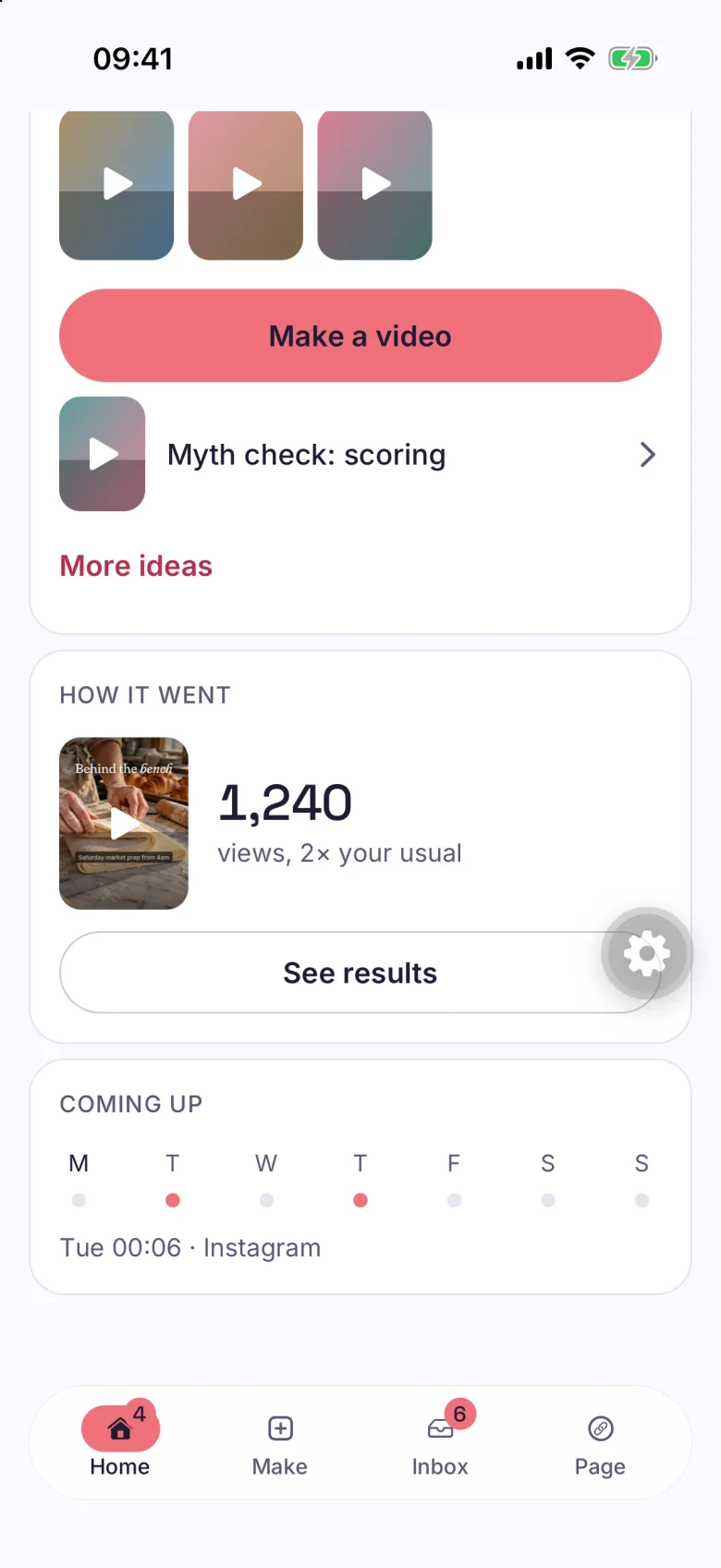
Chockstone cuts your own footage on your iPhone, shows you the plan before it edits, posts to your accounts and tells you what to film next.
Posts to
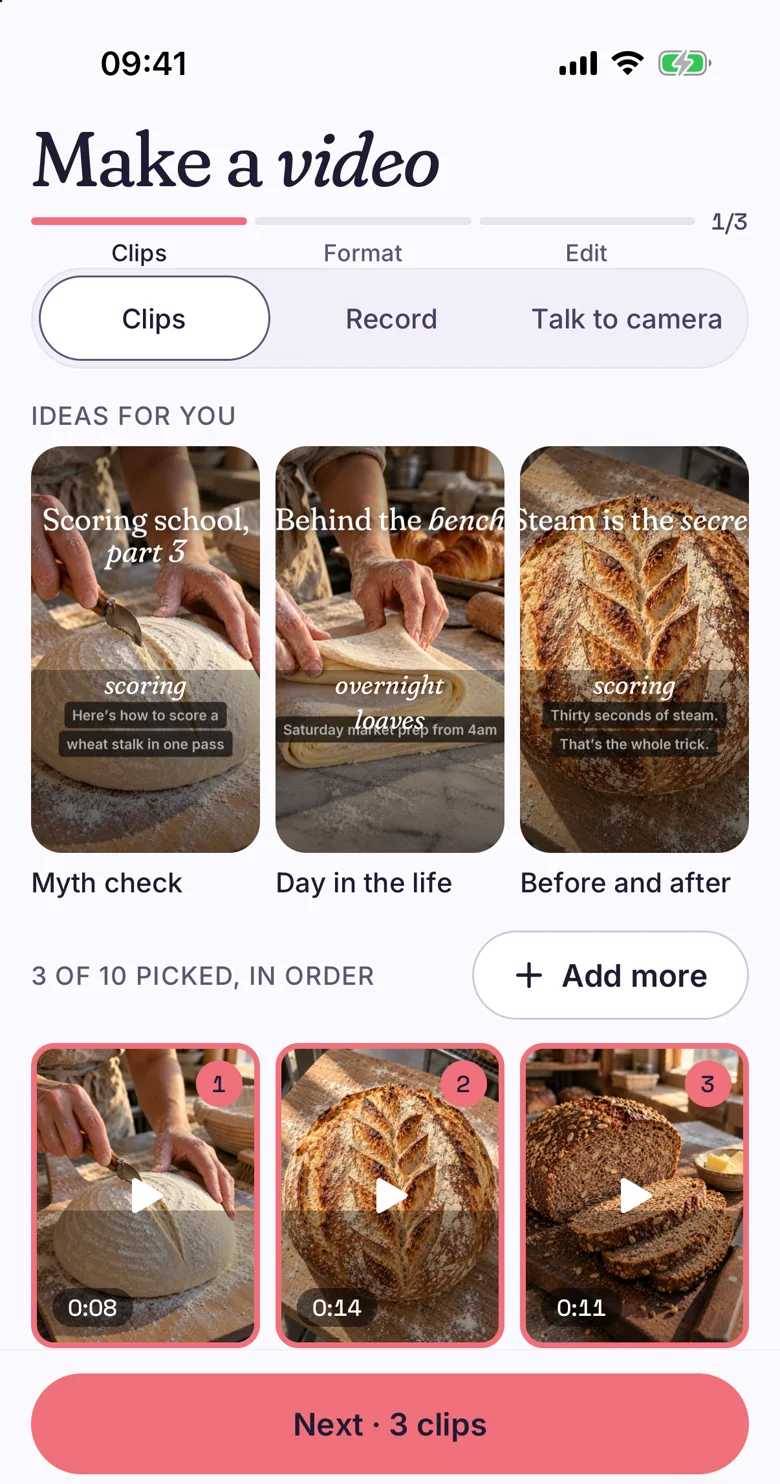
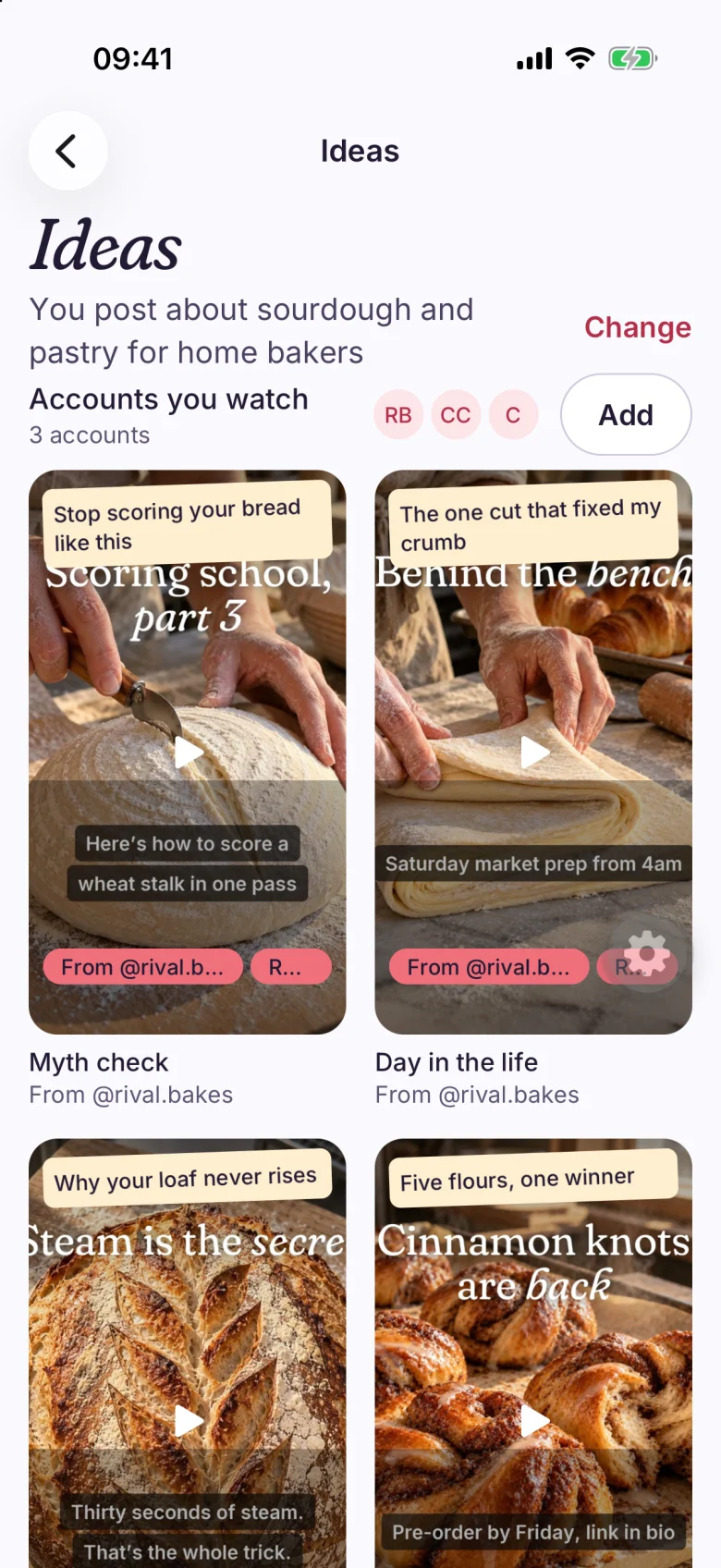
Choose clips from your camera roll. Chockstone names a format that fits, such as Myth check, 26 seconds, 2 cuts.
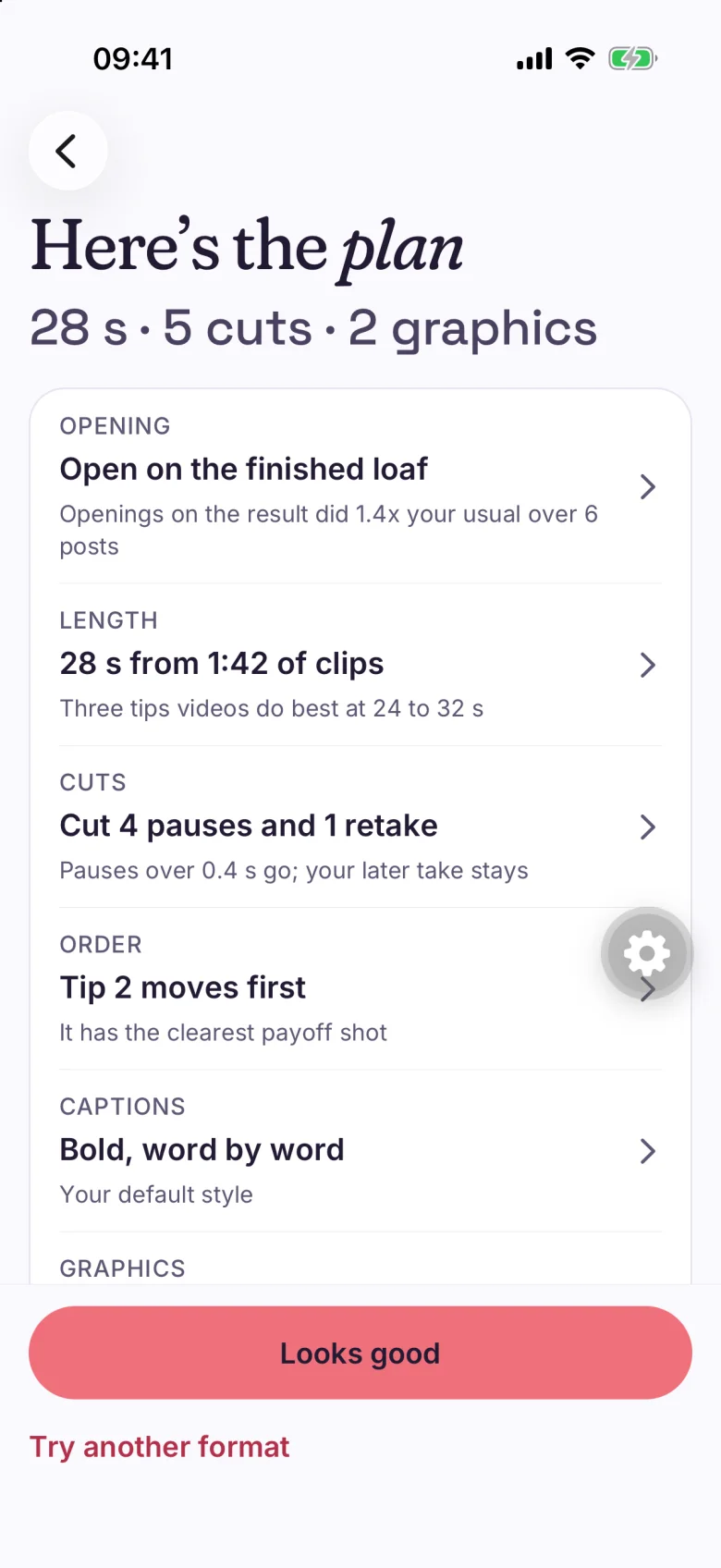
One line each for the opening, length, cuts, order and captions, with the reason for each. Change any of them in one sentence.
Watch the video, fix what the check found and approve it for the time you pick.
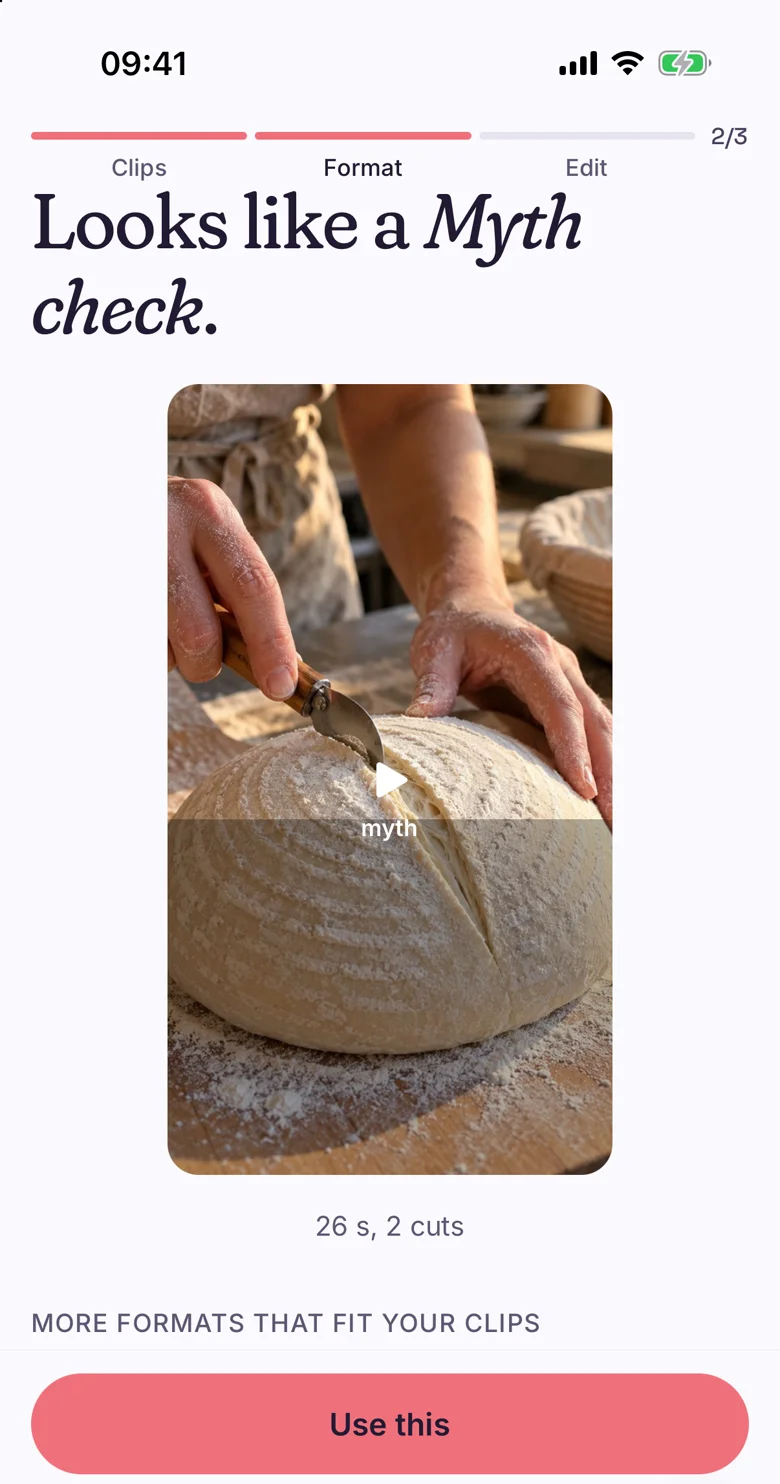
Chockstone names one from your clips and says how long it runs.
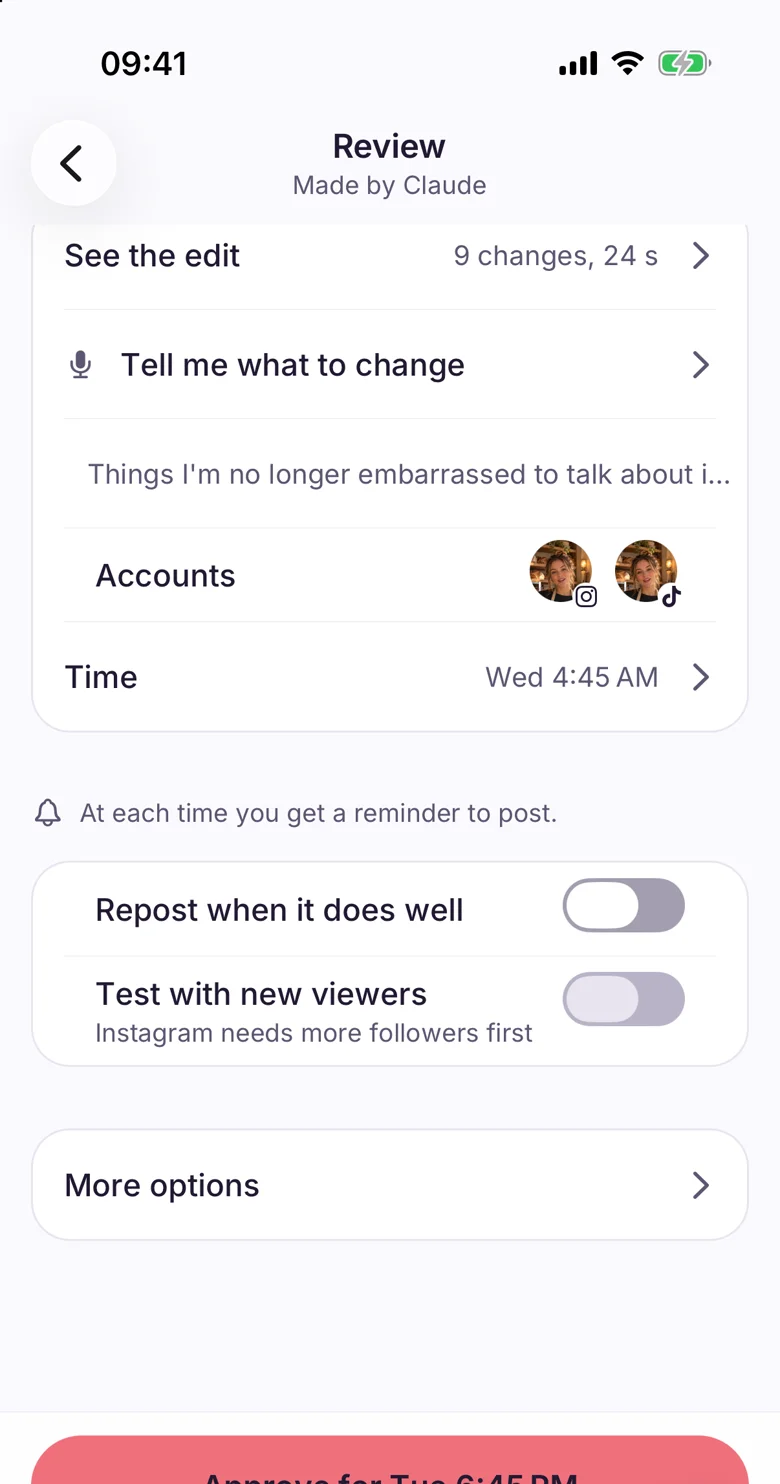
Say what to change in one sentence. The plan and the video update.
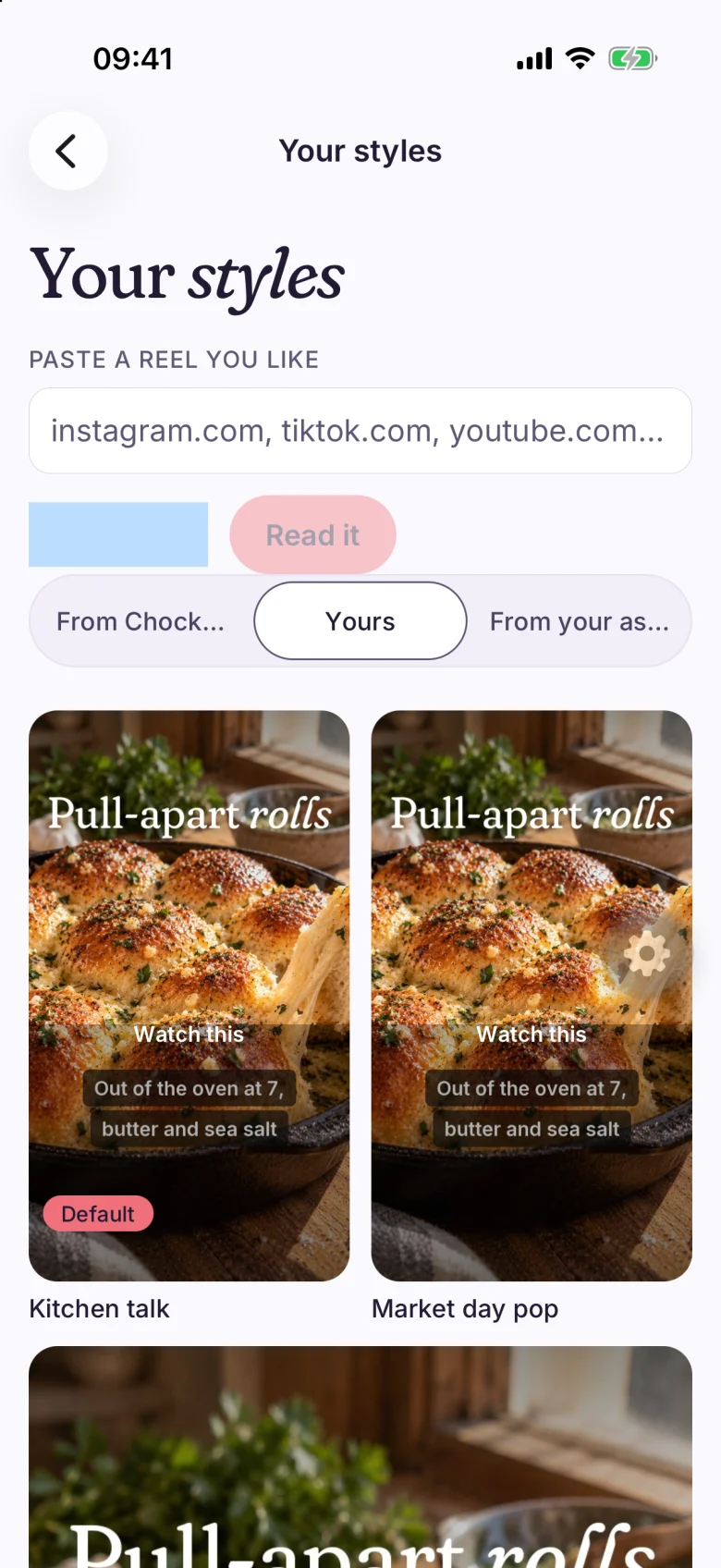
Caption styles you can switch between.
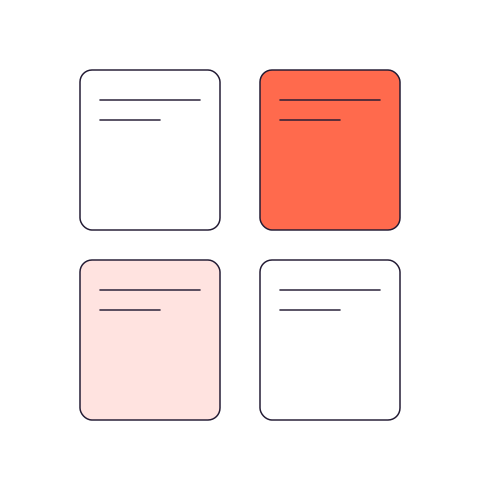
Stat cards, lists and lower thirds in your brand colors.
Your own footage, cut on your phone from the originals.
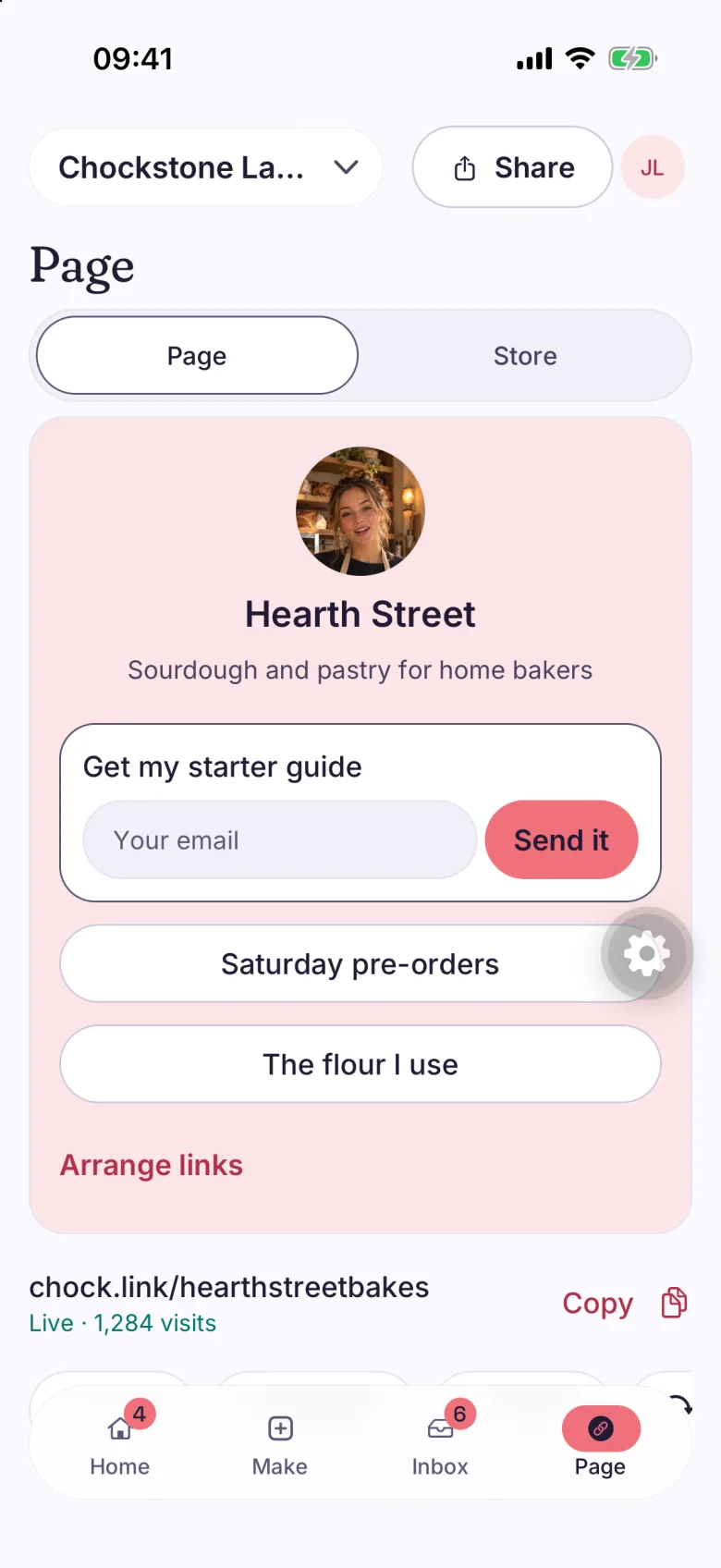
Post to all your accounts at once or pick per network. Your link page builds itself from your posts and tests which version gets tapped.
Visitors can leave their email on your link page to get the thing you posted about.
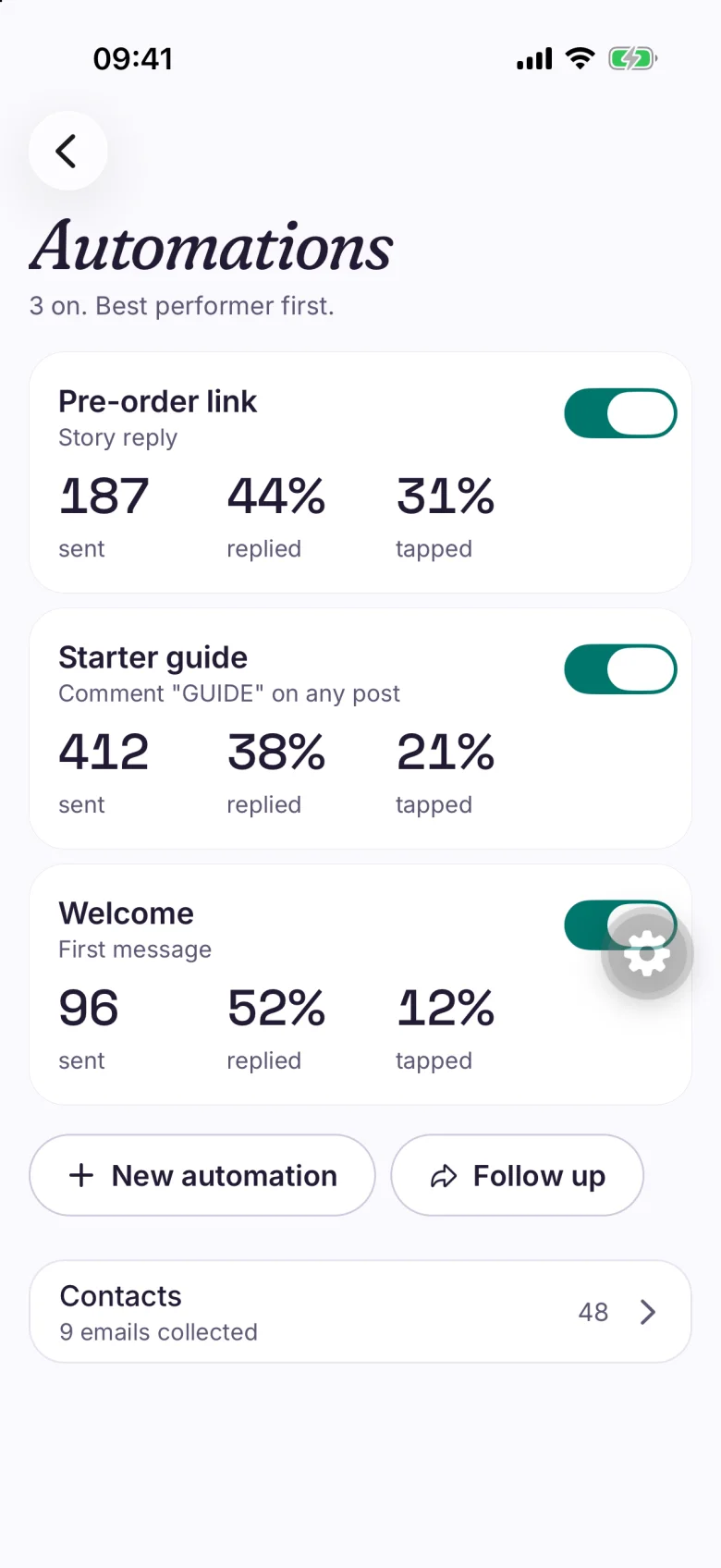
Chockstone asks Instagram whether the person follows you, checks again twice, and sends the link once it does.
 Replies and DMs land in one inbox with saved answers.

After each post you see one number against your usual. Ideas come from your own results, not from a trend list.
https://chockstonelabs.com/mcp.Add the server, then check it.
claude mcp add --transport http chockstonelabs https://chockstonelabs.com/mcpThen run /mcp inside Claude Code.
Add Chockstone as a connector in ChatGPT, then sign in. The steps are on the ChatGPT page.
Add the server, then sign in.
codex mcp add chockstone --url https://chockstonelabs.com/mcp
codex mcp login chockstone
The same posts, edits and results you see in the app. You choose what your assistant may do, and what still needs your approval. Use with Claude.
$0
$19 a month
$79 a month
| Limit | Starter | Creator | Studio |
|---|---|---|---|
| Brands | 1 | 5 | 25 |
| Connected accounts | 3 | 15 | 75 |
| People | 2 | 5 | 25 |
| Posts a monthCounts posts created, drafts included. | 90 | 600 | 3,000 |
| Media storage | 5 GB | 25 GB | 200 GB |
| API keys | 3 | 10 | 50 |
| Competitors watched | 2 | 10 | 30 |
| New competitor studies a month | 10 | 100 | 500 |
| What works readouts a month | 1 | 10 | 50 |
| Keyword DM rules at once | 1 | No cap | No cap |
| Look-back for results | 30 days | All kept | All kept |
| Link page design | Preset | Your own colors, fonts, backgrounds | Your own colors, fonts, backgrounds |
| Link page A/B tests | No | Yes | Yes |
| Client approval links | No | Yes | Yes |
| Report sharing and schedules | No | Yes | Yes |
| CSV import and evergreen posts | No | Yes | Yes |
| Remove the "Made with Chockstone Labs" line | No | Yes | Yes |
| Brand rules (lock brand kit fields) | No | No | Yes |
| Brand programs applied to in 30 days | 5 | No cap | No cap |
You film on a phone, post to a few networks and want to know what worked.
Creator holds five brands. Studio holds twenty-five.
Connect Claude or ChatGPT to the same account.
We do not turn long videos into clips, make avatars or clone voices. If you need those, OpusClip and Captions do.
Edits your clips into a video on your phone, posts it to your accounts, answers comments and DMs, and shows what worked.
No. The phone app does everything. An assistant is optional and supplied by you.
Instagram, Facebook Pages, Threads, TikTok (sent to your TikTok inbox to finish), YouTube Shorts, Pinterest, Mastodon and Google Business Profile. The Features page lists the rest.
Asks Instagram whether the person follows you, rechecks twice, and sends the link once it shows. If Instagram cannot say, it sends the link.
Starter is free for one brand. Creator is $19 a month or $190 a year, and Studio is $79 a month or $790 a year. Every limit is in the table above.
Free for 3 accounts. No card. See every feature. Read how we compare in our 2027 research paper. Questions? Email hello@chockstonelabs.com.